Free WiFi at Schiphol
Schiphol offers free WiFi to all visitors — in the arrivals hall as well as the departure halls. How to connect:
1. Look for the 'Schiphol Free WiFi' network in your WiFi settings
2. Connect without a password
3. You will be redirected to a welcome page
4. Accept the terms and you are online
Speed: 20–50 Mbps in most zones — enough for streaming and video calls. When it is busy (summer holidays, Christmas), the speed can drop. In that case, use your mobile data as a backup.
Good to know
Schiphol WiFi is free and unlimited — there is no time limit. For higher speeds, some lounges and cafés offer their own faster network.
The official Schiphol app
The Schiphol app (iOS and Android) is the most useful app for travellers. Features:
- Real-time flight info: gate announcements, departure status, arrival times
- Interactive map: find your way through the terminal to your gate, the toilets or a restaurant
- Parking information: how full the car parks, such as P1 and P3, are right now
- Shops and restaurants: opening hours and locations
- Save your boarding pass: via Wallet (Apple) or Google Pay
Download the app before you leave — then you do not have to wait for Schiphol's WiFi network.
Useful apps for your flight
Airline apps: always download your own airline's app (KLM, Transavia, EasyJet, etc.) for:
- Mobile boarding pass
- Online check-in
- Seat upgrade alerts
- Push notifications for gate changes
FlightAware / FlightRadar24: follow your flight live on a map. Handy for those at home who want to know whether you have landed.
Google Maps (offline): download the map of your destination for offline use before you leave — free and works without data.
XE Currency: exchange rates available offline.
Collecting someone from Schiphol: handy apps for the driver
Are you collecting someone from Schiphol? Then these apps are handy:
- Schiphol app: see the current arrival time and which baggage belt is in use
- FlightAware: follow the flight live before you leave home
- WhatsApp: agree to meet at the exact exit (Arrivals 1, 2 or 3)
If you are driving to Schiphol yourself to collect someone, first read where Kiss & Ride is and how long you may stay there — those zones are upstairs at departures, not downstairs at arrivals.
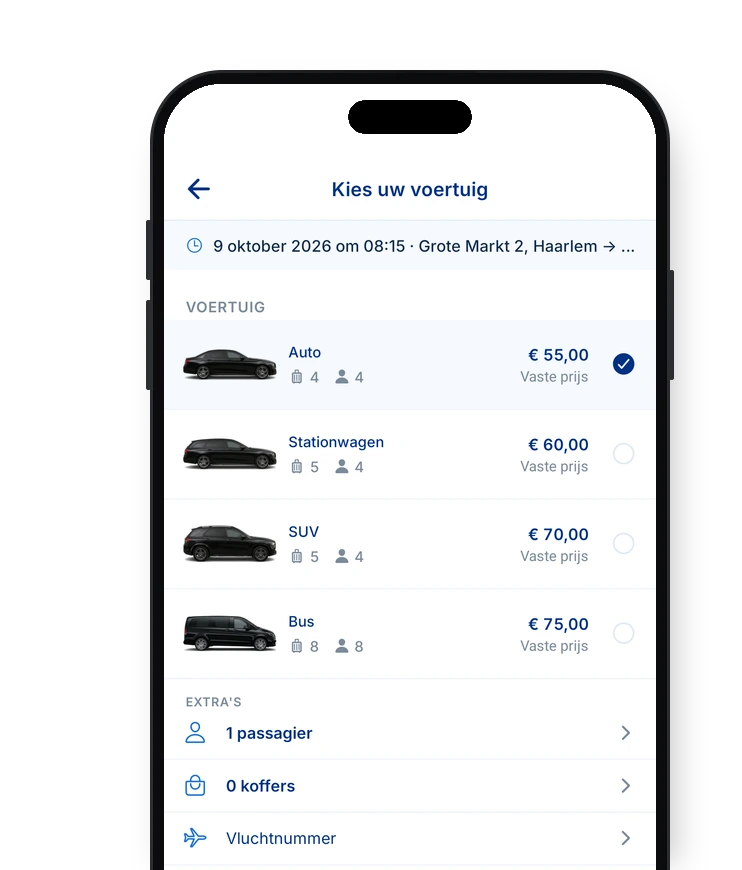
At AMS Taxi Schiphol we monitor your flight automatically via the flight number. You do not need to do anything yourself — the driver knows exactly when you land and is ready upstairs at Departure Hall 2. Book your pick-up here.
Schiphol digital services: what can you do online?
Via the Schiphol website (schiphol.nl) you can:
- Reserve a parking space, for example at P1 or P3 (online often cheaper than without a booking)
- Duty-free pre-order: order products to collect on departure or arrival
- Book lounge access: even without a business class ticket
- VIP Services: escort to the aircraft, fast boarding, special treatment
- Report lost property via the online form
Arranging everything online saves time at the airport — and money on parking.